Bing AI Image Generator: The Free Tool Changing Art and Content
Ever had a picture in your head you couldn’t draw? A three-legged cat wearing a tiny crown, ruling a castle made of cheese. Your hand can’t make that. But your words can. The Bing AI Image Generator is that magic trick. You type a sentence. A description. A wild dream. And it gives you a picture.
It’s not just a search engine anymore. It’s a paintbrush. This tool is changing how we make things. For bloggers, for marketers, for anyone with a spark of an idea. Let’s pull back the curtain. Let’s see how this free, powerful, and sometimes weird, tool really works.
From Words to Pictures: How This Magic Trick Works
Think of the Bing AI Image Generator as the world’s fastest, most imaginative art student. It has looked at billions of pictures from across the internet. It has read the captions and descriptions that go with them.
It learned that the word “sunset” is usually linked to colors like orange, pink, and purple. It learned that “cat” has fur, whiskers, and pointy ears. This whole process is the core of AI image generation.
So, when you type “a teddy bear coding on a laptop in a neon-lit room,” it doesn’t “understand” the idea like a human. Instead, it does a super-complex math problem. It calculates the patterns and pixels that are most likely to match your crazy sentence. It’s making a super-educated guess.
A very, very good one. The Bing AI art generation process is a miracle of modern computing. It’s not magic, but it sure feels like it. You provide the idea, the blueprint. The Bing AI Image Generator does the heavy lifting, assembling pixels based on everything it has learned.
Getting Started: Your First AI Masterpiece is a Click Away
The best part? It’s free and easy. You don’t need to be a tech wizard. You just need a Microsoft account. That’s it. Go to the Bing Image Creator website. You’ll see a search bar. But you’re not searching for an image that already exists. You’re telling the AI what to create.
Here’s a step-by-step guide for using Bing AI image generator:
- Find the Box: It says “Describe the image you want to create…” That’s your canvas.
- Get Specific: Don’t just say “a dog.” Say “a fluffy Golden Retriever puppy playing in a field of sunflowers, cartoon style.” Details are your friend. They guide the AI.
- Hit Create: Click the button. Watch the little dots dance. In about ten seconds, you’ll have four options.
Your first try might be a bit off. The puppy might have five legs. It happens. That’s part of the fun. The key to great Bing AI image creation is learning how to talk to the machine. It’s a conversation. You ask for something. It shows you what it thinks you mean.
You then change your words to get closer to the picture in your head. This is the heart of how to generate images with Bing AI effectively.
The Secret Sauce: Writing Prompts That Actually Work
This is the real skill. Anyone can type words. A good prompt artist paints with them. Think of yourself as a director giving instructions to a talented but literal-minded artist.
Bad Prompt: “A cool spaceship.”
Good Prompt: “A massive, rusted sci-fi spaceship landing in a misty red desert, digital painting, dramatic lighting, highly detailed.”
See the difference? The second one gives the Bing AI Image Generator so much more to work with. It describes the subject, the setting, the style, the mood, and the level of detail. This is how you achieve better Bing AI image quality. You are customizing the request.
You are using Bing AI image customization techniques without even knowing the technical term for it. The more vivid your words, the more vivid the picture.
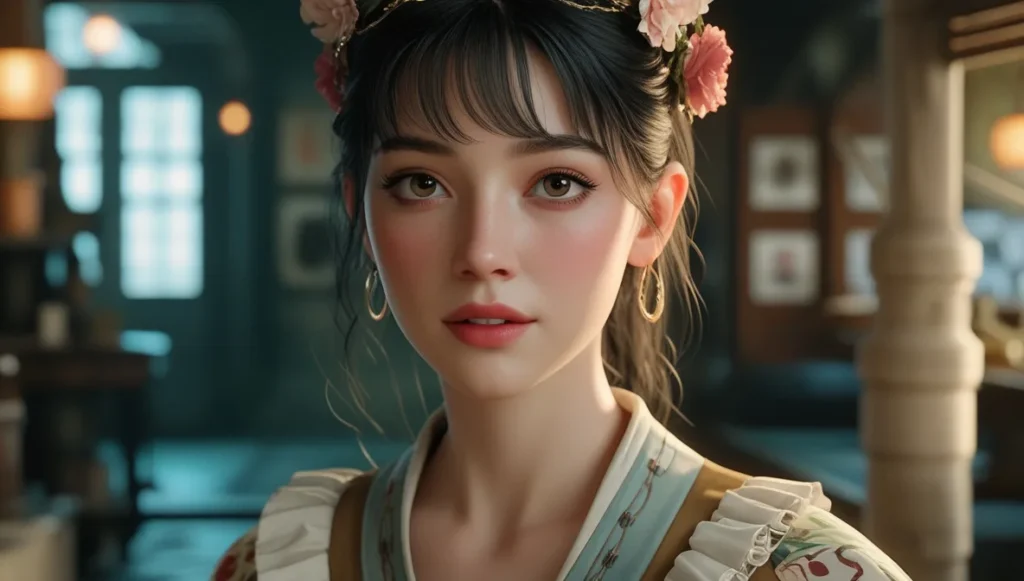
Beyond the Hype: Where This Tool Actually Shines (And Where It Fizzles)
Let’s be real. No tool is perfect. The Bing AI Image Generator has incredible strengths and some funny weaknesses.
First, the wins. The best features of Bing AI art generator are its speed, cost (free!), and creativity. Need a unique background for your blog post about productivity? Generate “a minimalist desk with a laptop and a growing plant, clean lines, soft pastel colors.”
In seconds, you have a custom image. No more boring stock photos. This is a game-changer for generating AI images for social media with Bing. Your posts can stand out without a budget.
For using Bing AI for creative projects, it’s a brainstorming powerhouse. A writer can generate a picture of a character to help with descriptions. A game master for Dungeons & Dragons can create a portrait of the mysterious innkeeper. The ability to create art with Bing AI on demand unlocks creativity you didn’t know you had.
Now, the flops. The AI still struggles with human hands. Sometimes fingers look like alien tentacles. It also gets confused by complex logic. Ask for “a book reading a person” and it might give you a very confused-looking librarian. There are also guardrails.
It will refuse to create images of famous people or anything it deems harmful. This is a good thing, but it can be limiting. Understanding these limits is key to your Bing AI image generator tutorial mental model. It’s a brilliant but sometimes literal genie.
Bing vs. The World: How It Stacks Up
You’ve probably heard of other tools, like DALL-E or Midjourney. So, what makes the Bing AI Image Generator special? The biggest battle is often Bing AI image generator vs DALL-E. Here’s the inside scoop.
It’s a bit of a trick question. The Bing AI Image Generator is actually powered by a more advanced version of DALL-E, called DALL-E 3. So, you’re getting top-tier technology for free. The main difference is the platform. Bing integrates it seamlessly into its search engine and its Copilot AI assistant. Other tools might offer more granular control for professional artists.
But for the average person, for a blogger needing visual content, or a small business testing AI images in marketing, Bing’s free and easy access is a massive win. When you look at the landscape of the best AI image generators, Bing’s combination of power, price, and accessibility is hard to beat.
The Real-World Impact: More Than Just Pretty Pictures
This isn’t just about making funny memes. The Bing AI image generator’s impact on digital art and content creation is real. Think about a small bakery. They can’t afford a photoshoot for every new cupcake idea.
But they can use the Bing AI Image Generator to create a visual of a “double chocolate caramel cupcake with gold sprinkles” to gauge customer interest online. This is powerful brand storytelling.
For a blogger, creating images for websites using Bing AI means their content is always fresh and unique. It improves user engagement. It makes articles more fun to read. This entire article could be illustrated with images from the tool we’re discussing.
That’s a powerful loop. The AI-powered Bing image generation is not a gimmick. It’s a practical tool for content creation that is dissolving the barrier between idea and visual.
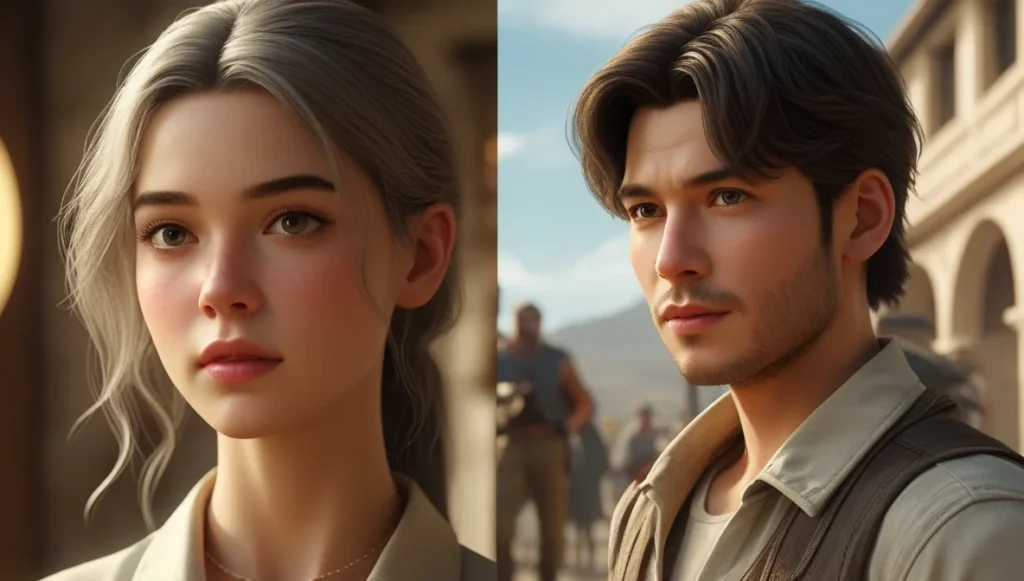
The Future, The Fears, and The Fun
Where is this all going? The technology is improving at a dizzying speed. The weird hands will get normal. The logic will get smarter. We might soon be able to generate short video clips from text. The future of AI-generated Bing style images is incredibly bright.
This power comes with responsibility. There are real concerns about how these images are used. Faking photos is easier than ever. That’s why understanding the tool, its limits, and its ethical use is so important. It’s a tool for creation, not deception.
But let’s not forget the pure, unadulterated fun. The ability to bring a silly, joyful idea to life in seconds is a gift. It’s a spark of wonder in a daily routine. The Bing AI Image Generator is a doorway. On the other side is a world where your imagination is the only limit. So, what are you waiting for? Go type something weird. See what happens. The canvas is waiting.
Frequently Asked Questions (FAQs)
1. Is the Bing AI Image Generator really free to use?
Yes, it is currently free. You get a certain number of “boosts” per day which make image generation faster. After you use your boosts, it still works, but just a little slower. You don’t need a credit card to start creating.
2. Can I use the images I create for my business or website?
Yes, you own the images you create with Bing Image Creator. You can use them for most personal and commercial projects, like your blog, social media, or marketing materials. Always check the latest Microsoft Terms of Service for the most current rules.
3. Why does the AI sometimes create images that are blurry or have mistakes?
The AI is making a statistical guess based on your words. If your prompt is vague, its guess will be less accurate. It also still learns from imperfect data, so things like detailed hands or complex physics can confuse it. Better, more detailed prompts usually fix this.
4. How is Bing AI Image Generator different from just searching for an image on Google?
Searching on Google finds photos and pictures that already exist on the internet. The Bing AI Image Generator creates a brand new, unique image that has never existed before, based entirely on your description.
5. What are some tips for writing a good prompt?
Be specific! Describe the subject, the action, the setting, the art style (e.g., “oil painting,” “cartoon,” “photorealistic”), the colors, and the lighting. Instead of “a house,” try “a cozy cottage with a thatched roof and smoking chimney, in a green meadow at sunset, fantasy art style.”
References:
- Microsoft. (2023). Bing Image Creator Official Announcement. https://blogs.bing.com/search/default.aspx?q=Bing+Image+Creator+Announcement
- OpenAI. (2023). *DALL-E 3 System Card*. https://openai.com/index/dall-e-3-system-card/
- Microsoft. (2023). Microsoft Responsible AI Standard. https://www.microsoft.com/en-us/ai/responsible-ai?activetab=pivot1:primaryr6
- Bing. (2023). Bing Image Creator Terms of Use. https://www.bing.com/create/terms
Read More: EE Mobile Broadband